
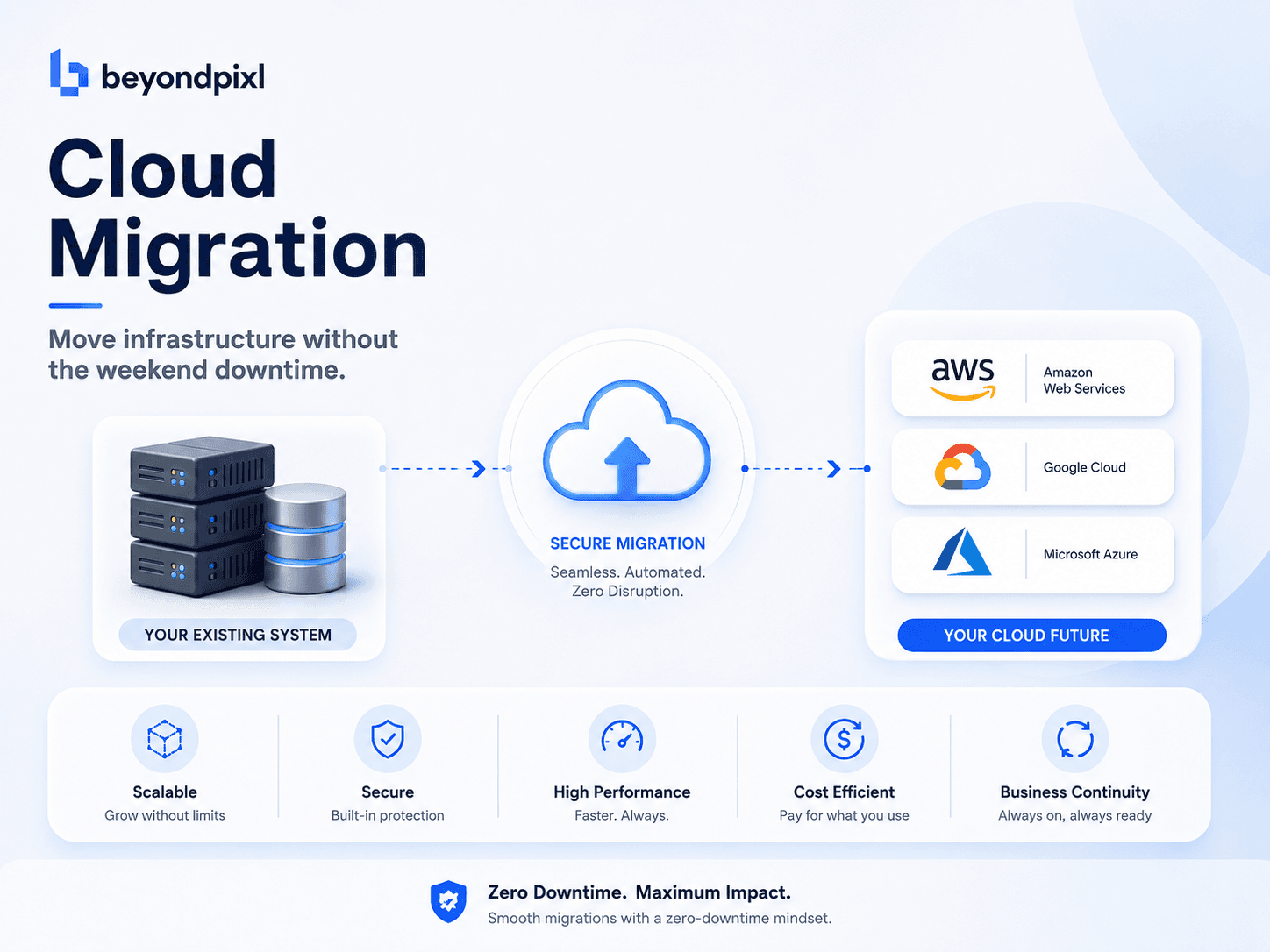
You do not need a maintenance window to change clouds. Modern migrations run the old and new environments in parallel, replicate data continuously between them, and shift traffic gradually until the old side is quietly retired. The cutover itself takes minutes, and if anything misbehaves, traffic flips back just as quickly. The weekend outage model persists mostly out of habit, not necessity.
Zero downtime migration means moving workloads between providers, or from a data centre into the cloud, while the service stays available throughout. It rests on two ideas: data replicates continuously rather than in one big copy, and traffic moves incrementally rather than all at once.
The all-at-once cutover is the riskiest option, and the most expensive
The big-bang approach concentrates every risk into one night. Something always surfaces during the copy: a schema mismatch, an unnoticed dependency, a DNS record cached longer than expected. Then you are debugging at 3am with the service down.
The stakes are documented. In ITIC's 2024 downtime survey, 90% of mid-size and large enterprises put the cost of a single hour of downtime above $300,000, and 41% put it between $1 million and $5 million. Migrations themselves have poor form too: McKinsey found that 75% of migrations run over budget and 38% fall behind schedule, with roughly $100 billion in migration spend expected to be wasted over three years.

A cutover plan that risks hours of outage is therefore a budget decision, not just a technical one.
Replicate first, move traffic second
The pattern that avoids all of this has three stages.
First, stand up the target environment and start continuous replication. Tools such as AWS Database Migration Service and its equivalents on other clouds copy the initial dataset, then stream every subsequent change so the target stays seconds behind the source. Your data is effectively in both places at once.
Second, run both environments in parallel and compare. Mirror a slice of real read traffic to the new stack and check the responses match. This is where you find the quiet differences: a timezone default, a library version, an IAM permission nobody documented.
Third, cut over gradually. Lower your DNS time to live in advance, because cached DNS records are what actually delays traffic moving, then shift 5%, 25%, 50% of requests to the new environment while watching error rates and latency. This is blue-green deployment applied to an entire platform, and its best feature is the rollback: the old environment is still running, so reverting is a routing change, not a restore job.
Not everything should move the same way
A migration is a portfolio decision, not one technique. AWS popularised the six strategies, from rehosting as-is to replatforming and full refactoring, and most estates need a mix. A stateless API can lift and shift in an afternoon. A 2TB transactional database wants replication and a rehearsed switchover. A tangled legacy monolith may suit the strangler fig pattern, moving one capability at a time behind a stable interface.
Sequencing that portfolio, and designing the target so it is not just the old architecture on new invoices, is where an experienced cloud architecture and migration partner earns its fee. It also matters because hybrid setups are now the norm: Flexera's 2025 State of the Cloud report found 70% of organisations run at least one public and one private cloud, so the migration target is rarely a single destination.
FAQ
How long does a zero downtime cloud migration take?
Typically 8 to 16 weeks for a mid-size estate, though the user-visible cutover is minutes. Most of the calendar goes on replication, validation and rehearsal, the work that makes the final switch boring.
Do we need to freeze feature releases during the migration?
No. Continuous replication carries new data across automatically, and infrastructure as code keeps both environments in step. A short change freeze of a day or two around the cutover itself is sensible; a month-long freeze is a sign the plan needs work.
What if something breaks after cutover?
You route traffic back to the old environment, which stays live and replicated for an agreed soak period, usually one to two weeks. Rollback is a routing change measured in minutes, and it should be rehearsed beforehand.
Your pre-migration checklist
1. Inventory every workload and dependency, and assign each a migration strategy rather than one blanket approach.
2. Set up continuous data replication and confirm the target stays within seconds of the source.
3. Run old and new in parallel, mirroring real traffic and comparing responses until they match.
4. Lower DNS TTLs early, then shift traffic in stages with error rates and latency on a shared dashboard.
5. Keep the old environment live for a defined soak period, with a rehearsed rollback path.
If a migration is on your roadmap and the plan currently reads "cut over Saturday night", it is worth a second opinion first. BeyondPixl Studio runs cloud migration assessments that map your estate, pick a strategy per workload and produce a staged cutover plan with rollback built in. Book a migration assessment and see what moving without the outage actually looks like.