
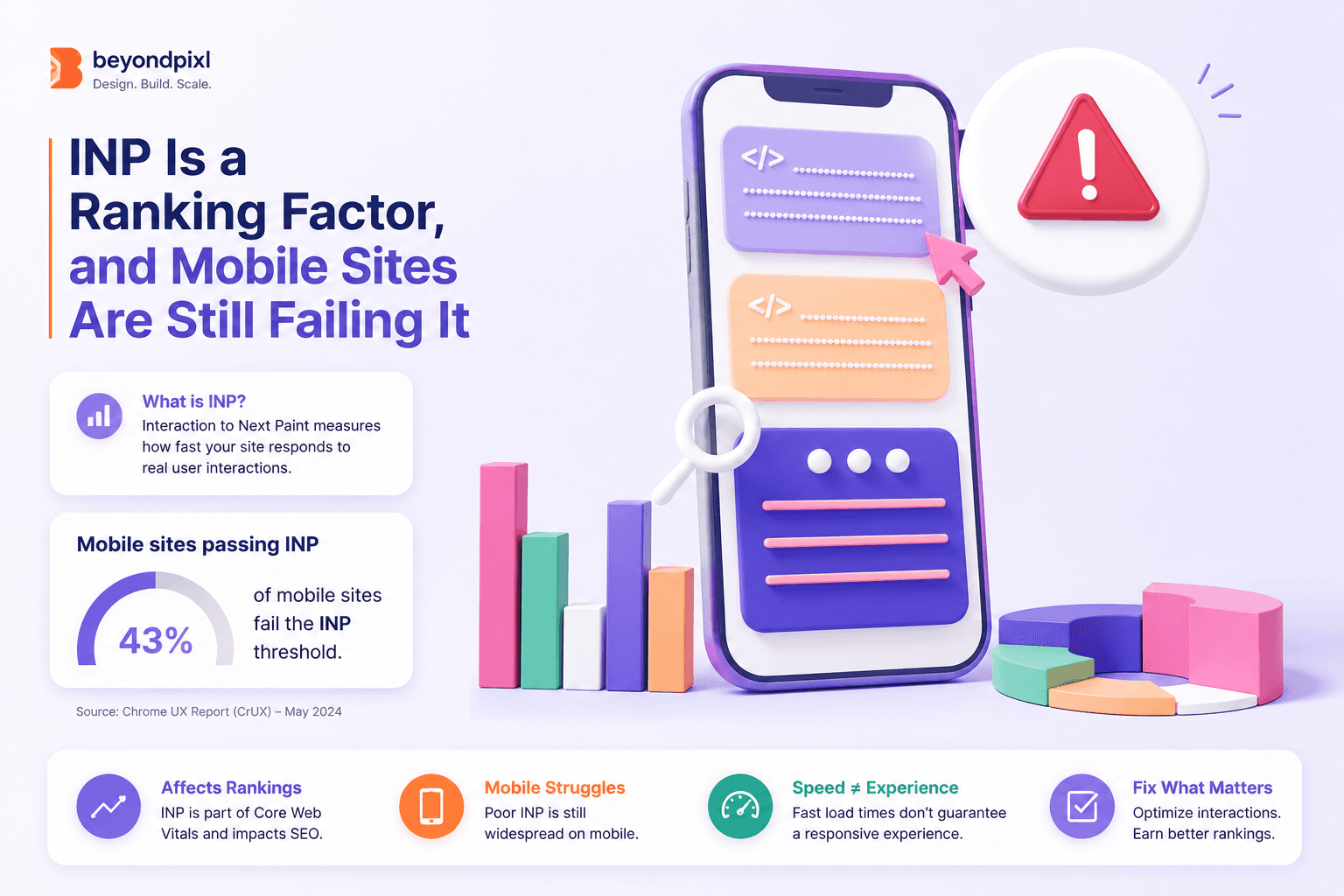
If your site feels sluggish when someone taps a button, Google already knows. Interaction to Next Paint (INP) became an official Core Web Vital on 12 March 2024, replacing First Input Delay, and Core Web Vitals are used by Google's ranking systems as part of the page experience signals. The bar is 200 milliseconds. On desktop, almost everyone clears it. On mobile, where most of your traffic lives, roughly a quarter of sites do not.
INP measures how long a page takes to visually respond after a user interacts with it, across every tap, click and keypress in a session. Google's own documentation sets the thresholds plainly: under 200ms is good, 200 to 500ms needs improvement, and anything over 500ms is poor. Unlike a lab score, INP comes from real users via the Chrome User Experience Report, so you cannot game it with a fast test machine.
The mobile gap is the whole story
The HTTP Archive Web Almanac analysed CrUX field data across millions of origins and found that 97% of desktop sites achieve good INP, but only 74% of mobile sites do. That leaves 24% of mobile origins in the needs improvement band and another 2% outright poor. In other words, about one mobile site in four fails the threshold that Google's ranking systems care about.
The gap exists because INP is mostly a CPU problem. Your marketing team tests on a new laptop over office wifi. Your customers are on three-year-old Android phones, often mid-task on a patchy connection. The same JavaScript bundle that feels instant on an M-series MacBook can block a budget phone's main thread for half a second. That is the half second between a tap and any visible response, and users read it as broken.

The chart above, drawn from the same Web Almanac dataset, makes the point without commentary. Desktop is a solved problem. Mobile is where rankings and revenue leak.
Slow interactions cost measurable money
This is not an abstract SEO worry. When The Economic Times, one of India's largest news publishers, cut its INP from over 1,000ms to 257ms, the documented result was a 50% drop in bounce rate and a 43% rise in pageviews on the optimised pages. Readers were not leaving because of the content. They were leaving because the page ignored their taps.
The mechanism is simple. A user taps, nothing happens, they tap again, still nothing, and they close the tab. Analytics logs it as a bounce and attributes it to anything except the true cause. INP is one of the few metrics that catches this failure directly.
Getting under 200ms rarely needs a rewrite
Most poor INP scores trace back to a handful of patterns: oversized JavaScript bundles hydrating everything at once, third-party scripts hogging the main thread, and event handlers doing heavy work synchronously. Google's guidance on optimising long tasks covers the core technique, which is breaking work into chunks and yielding to the main thread so the browser can paint a response first.
In practice, the biggest wins come from an audit that measures real-user INP per template, then targets the worst interactions rather than the whole site. Deferring analytics tags, code-splitting the checkout flow, or debouncing an expensive search handler can each shave 100ms or more. This is exactly the kind of focused, measured work our frontend performance optimisation engagements are built around, and it usually lands in weeks, not quarters.
FAQ
Is INP a direct Google ranking factor?
Yes, as part of a broader system. Google confirms that Core Web Vitals are used by its ranking systems within the page experience signals, and INP has been the responsiveness metric in that set since March 2024. Google also stresses that great content still comes first, so treat INP as a tiebreaker you cannot afford to lose.
What causes a bad INP score?
Long tasks on the main thread. Heavy JavaScript execution, large hydration payloads and slow synchronous event handlers all delay the next paint after an interaction. Third-party scripts are a frequent hidden culprit.
Where do I check my real INP score?
Use field data, not lab data. PageSpeed Insights surfaces your CrUX numbers when your site has enough traffic, and Search Console's Core Web Vitals report groups failing URLs by template.
Your five-step INP plan
1. Pull your field INP from CrUX or Search Console and segment it by device and page template.
2. Profile the three worst interactions on a mid-range Android phone, not a laptop.
3. Audit third-party scripts and defer or remove any that block the main thread.
4. Break long tasks into yielding chunks and move heavy work off interaction handlers.
5. Set a 200ms budget in CI so regressions get caught before release.
If your mobile INP sits in the failing band, that is fixable in a focused sprint rather than a rebuild. BeyondPixl Studio runs performance optimisation audits that measure your real-user INP, isolate the interactions costing you traffic, and ship the fixes. Book an INP audit and get a template-by-template report within two weeks.