
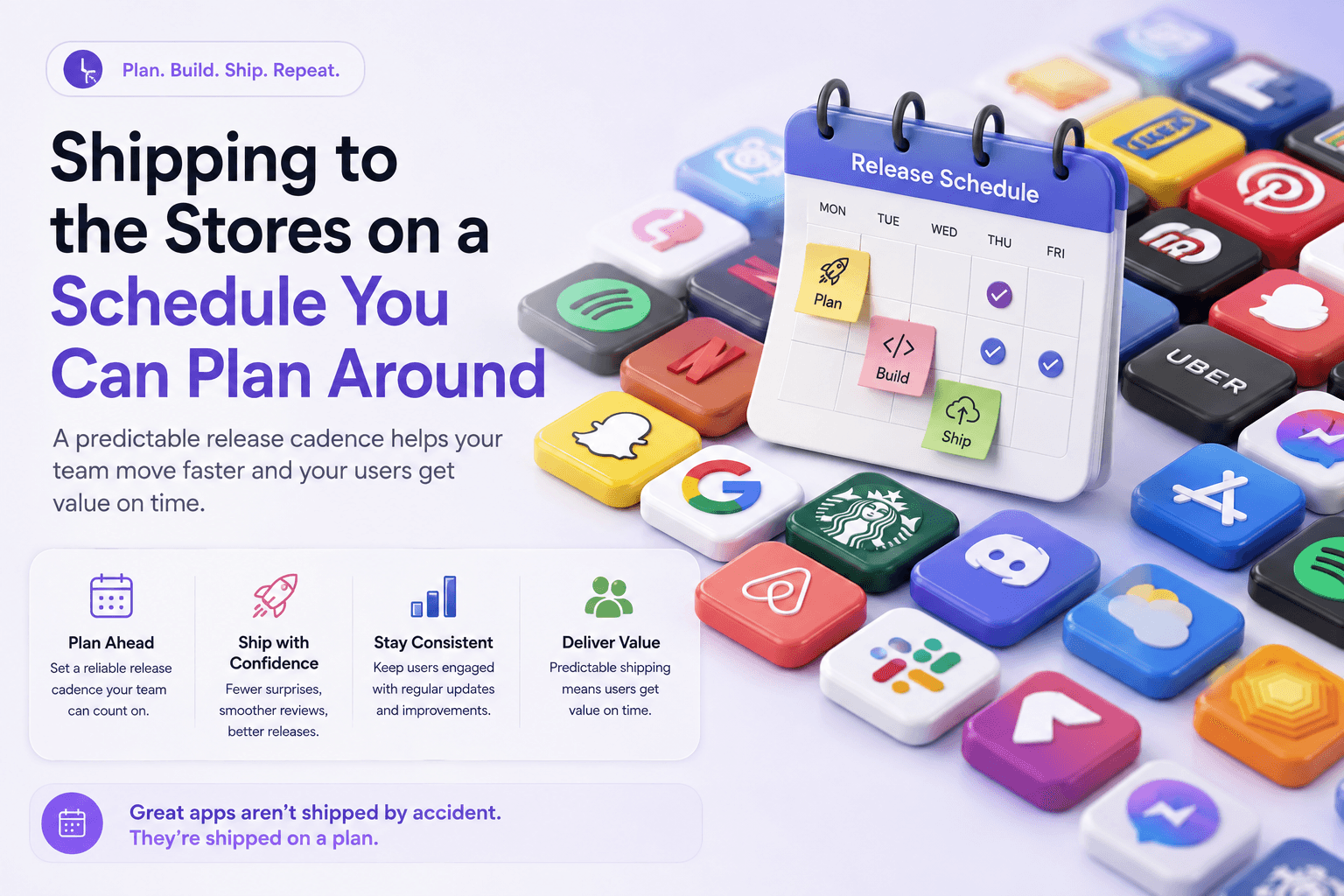
You can't control how long Apple or Google will take to review your app, but you can build a release process where it stops mattering. Teams that ship predictably don't have faster reviewers. They submit early, separate approval from release, and roll out in stages so a bad build never reaches everyone at once. Do those three things and the review queue becomes a buffer in your plan rather than a surprise in launch week.
Release management, in store terms, means treating a submission as one step in a repeatable pipeline: build, submit, get approved, then release on your date, at your pace, with a way to stop.
The review queue is less scary than it feels
Apple states that, on average, 90% of submissions are reviewed in under 24 hours. The remaining 10% is where launch plans die: new apps, apps in sensitive categories such as health or finance, and anything that trips the App Review Guidelines can sit for days.

Never schedule a launch on the assumption you're in the 90%. Submit at least three working days before your date for routine updates, and a full week for new apps or anything touching payments, health data or children's content. For genuinely urgent fixes, Apple accepts expedited review requests, but treat that as a fire escape. Google doesn't publish an equivalent figure, so pad your Android timeline the same way.
Separate approval from release
The biggest scheduling win is a setting most teams overlook. On iOS, choose manual release in App Store Connect: your build gets approved whenever Apple gets to it, then waits until you press the button. On Android, managed publishing does the same job, letting an approved release sit ready until you publish it.
Now review time affects when your build is ready, not when your users see it. Marketing can book the announcement, support can brief the team, and both platforms can go live within minutes of each other, instead of Android users seeing a feature days before iOS users.
Roll out to 1% before you roll out to everyone
Approval is not the finish line: a crash that ships to 100% of users is a one-star event you can't take back. Apple's phased release spreads an update over seven days, starting at 1% of users with automatic updates and reaching 100% on day seven, and you can pause it mid-flight. Google Play's staged rollouts are more flexible still: you pick the percentage, watch crash rates, and halt the rollout if the numbers turn ugly.
Pair the rollout with what the stores give you before release: TestFlight for real-device beta feedback on iOS, and Google Play's pre-launch report, which runs your build on physical devices and flags crashes, performance issues and accessibility problems before a single customer sees them. This is the sort of pipeline a mobile development partner should set up as standard on any store launch, because retrofitting it after a botched release costs far more.
Put it all on a release train
Once approval is decoupled from release and rollouts are staged, you can run a release train: a fixed cadence, say every two weeks, where whatever is ready ships and whatever isn't waits for the next departure, with feature flags letting unfinished work ride along switched off. The cadence turns store review into a known stage of a known pipeline.
FAQ
How long does App Store review actually take?
Apple's own figure is 90% of submissions reviewed in under 24 hours on average. New apps and sensitive categories can take days, so plan a three-day buffer for updates and a week for first submissions.
Can I stop a release that's already going out?
Partially. Apple lets you pause a phased release, though users who already updated keep the new version. Google Play lets you halt a staged rollout at its current percentage. On both stores the real fix is shipping a corrected build, which is why a small first-stage percentage matters.
Should I release on iOS and Android on the same day?
Yes, wherever you can. Manual release on iOS and managed publishing on Android let both approved builds wait until you publish them together, keeping messaging and support consistent.
Your pre-submission checklist
1. Submit three or more working days before your planned date, a week for new apps.
2. Set the iOS release to manual and enable managed publishing on Google Play.
3. Run TestFlight builds and check the Play pre-launch report before submitting.
4. Release with phased rollout on iOS and a small-percentage staged rollout on Android.
5. Watch crash rates for 48 hours before expanding, with a halt plan agreed in advance.
If your launches still hinge on hoping the review gods are kind, BeyondPixl Studio can audit your release pipeline and set up a store launch process with buffers, staged rollouts and a cadence your whole team can plan around. Book a release management review and make your next launch date one you actually hit.